
Workflows
Workflow Automation Software for South Africa
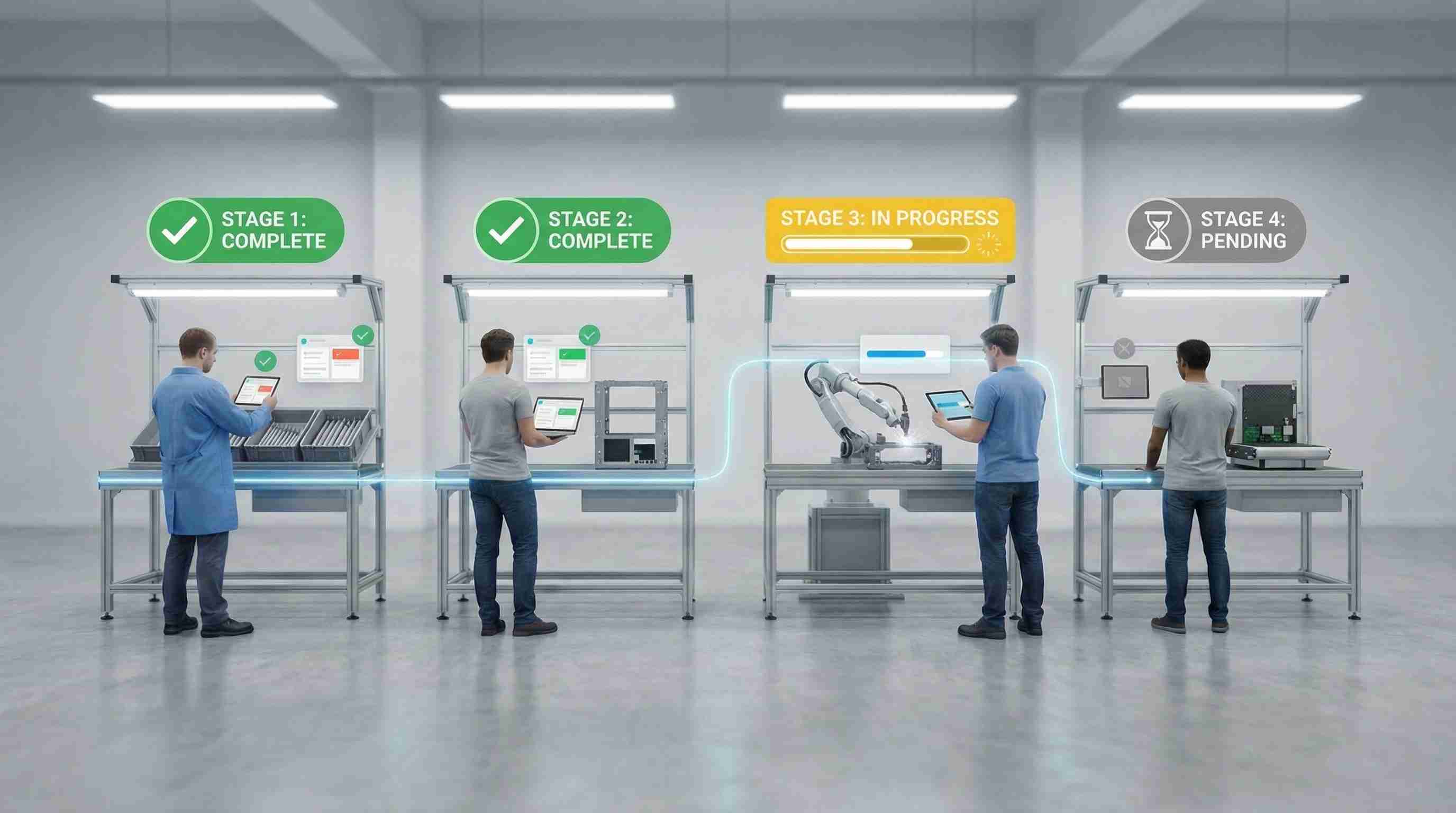
A workflow automation system for executing multi-stage business processes with conditional logic and role-based assignments. Define workflow templates with sequential stages, each with specific forms, checklists, and approval requirements. Workflows progress through stages with automatic routing, approval gates, and the ability to reject and return to previous stages. Track active workflows, identify bottlenecks, and analyze completion times across all processes.
- Multi-stage templates with sequential progression
- Role-based stage assignment and routing
- Conditional branching and smart logic

Workflows highlights
- Multi-stage templates with sequential progression
- Role-based stage assignment and routing
- Conditional branching and smart logic
- Approval gates between stages
- Form completion and checklists per stage
- Digital signature capture for approvals
- Parallel stage execution when needed
- Real-time workflow analytics and bottleneck detection
What is workflow automation software, and how does Worxit run it?
Workflow automation software runs multi-step business processes the same way every time and shows where they get stuck. In Worxit's Workflows module, you define reusable templates with sequential stages, and each stage has its own forms, checklists and approval requirements. When a run starts, Worxit routes each stage automatically to the assigned role or user. Approval gates sit between stages: an approver signs off with a digital signature, or rejects the stage and returns it to an earlier one. Conditional branching handles different paths, and stages can run in parallel when the logic allows. Photos and documents can be attached at any stage, and every step is time-stamped. Analytics show active runs, completion times and bottlenecks. Typical uses are onboarding, procurement approvals, incident investigations and inspections. Licences follow standard Worxit pricing: the dashboard is R600 per month, including one admin user, and each phone, tablet or radio running the app needs a R350 monthly device licence, all ex VAT.
Before and after
What problems does workflow automation solve?
Execute multi-stage business processes with automated routing and approval gates. Designed for complex processes requiring multiple steps and approvals.
Without Zamatrack
- Manual process tracking across departments
- Inconsistent process execution
- No visibility into workflow bottlenecks
- Missing approvals and documentation
With Zamatrack
- Automated process routing and tracking
- Consistent execution across teams
- Real-time workflow visibility
- Complete audit trail with timestamps
How it works
How does workflow automation work?
Simple, repeatable steps, built for teams moving fast across sites.
Define Template
Create reusable workflow templates with stages, actions, and role assignments.
Start & Route
Launch workflow runs with automatic routing to assigned roles and stages.
Execute & Approve
Complete stage actions, forms, and approvals with rejection handling.
Track & Complete
Monitor progress, identify bottlenecks, and close with full audit trail.
Core features
What features does workflow automation include?
Not a full feature dump, just the capabilities that make the solution powerful.
Workflow Templates
Define reusable multi-stage process templates with conditional logic and branching.
Role-Based Assignment
Automatically assign workflow stages to specific roles or users.
Approval Gates
Require stage-level approvals before proceeding, with reject and return capability.
Stage Forms & Checklists
Structured data collection and task completion requirements at each stage.
Document & Photo Upload
Attach photos, documents, and evidence at any workflow stage.
Digital Signatures
Capture digital signatures for approvals, sign-offs, and compliance.
Parallel Execution
Run multiple stages simultaneously when workflow logic allows.
Analytics & Reporting
Track completion times, identify bottlenecks, and analyze workflow efficiency.
Compared
How does Worxit compare with manual process tracking?
| Feature | Manual process tracking | Worxit Workflows |
|---|---|---|
| Routing | Tracked by hand across departments | Routed automatically to the assigned role |
| Consistency | Steps vary between people | The same template and stages on every run |
| Approvals | Easily missed | Approval gates with digital signatures |
| Bottlenecks | Not visible | Analytics show where runs are held up |
| Records | Missing documentation | A time-stamped audit trail with attachments |
Product tour
What does workflow automation look like in Worxit?
See how the workflow maps to real operations: capture, verification and reporting.
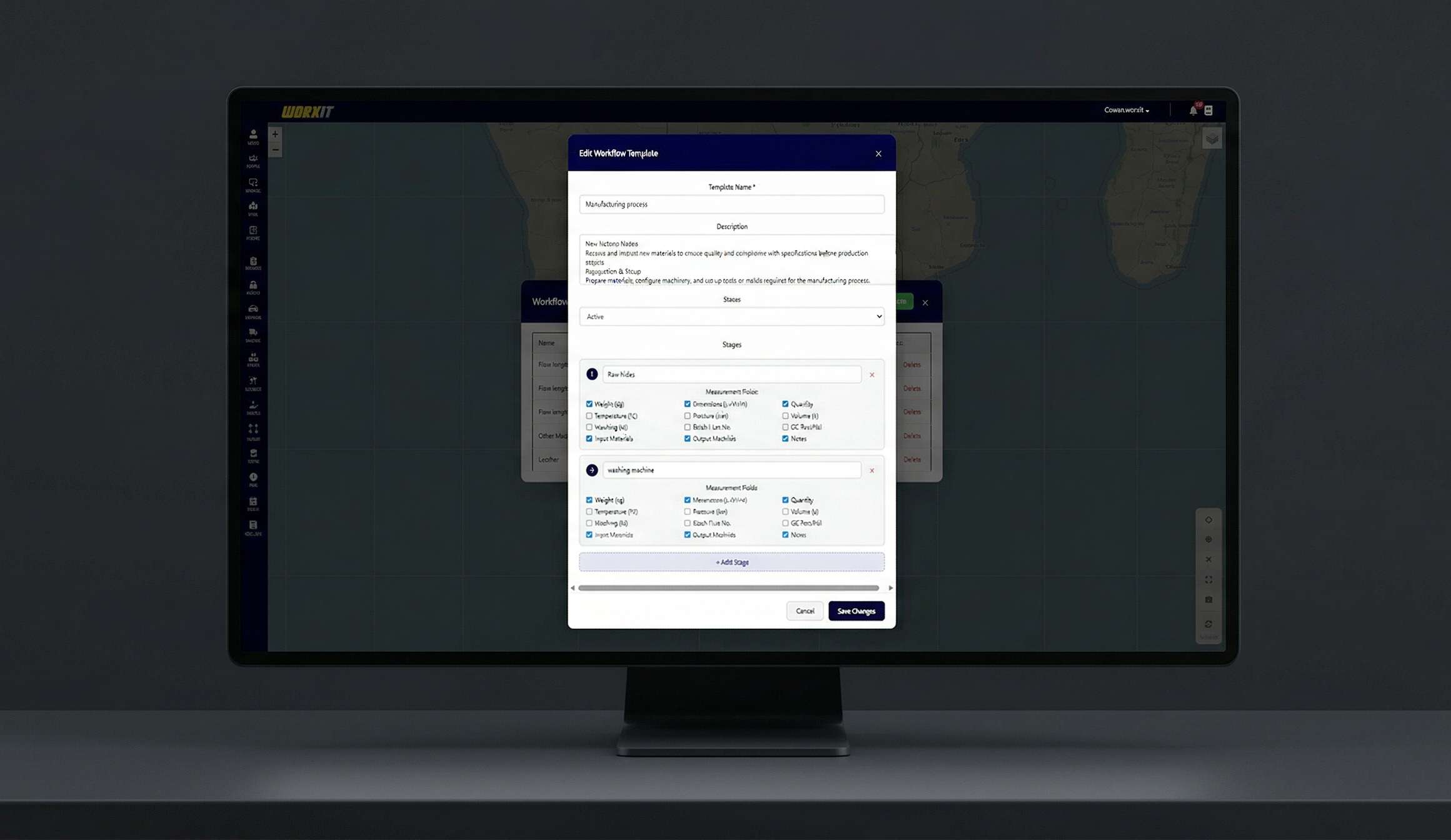
Operations dashboard
Centralised visibility with audit-ready records and fast filtering by site.
- Multi-stage templates with sequential progression
- Role-based stage assignment and routing
- Conditional branching and smart logic
Mobile execution
Designed for field teams: fast capture with verification and minimal admin.
- Workflow Templates
- Role-Based Assignment
- Approval Gates

Use cases
Who is workflow automation for?
Common teams and environments where this solution delivers immediate impact.
Employee and contractor onboarding
Multi-step maintenance procedures
Procurement and purchase approvals
Incident investigation and resolution
Quality control and inspection processes
Compliance and audit workflows
See Workflows working on your sites
A 30-minute live demo, tailored to your operation. No obligation.
Measurable outcomes
What results can you expect from workflow automation?
Results-focused impact: clear improvements your team can feel quickly.
Faster process completion times
Improved compliance and consistency
Reduced workflow bottlenecks
Complete process visibility and audit trails
Works with
- Mobile devices
- Dashboards
- Forms
- Signatures
- Analytics
Hardware and licences
What hardware and licences do you need?
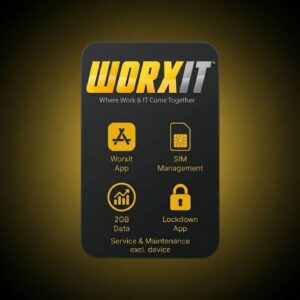
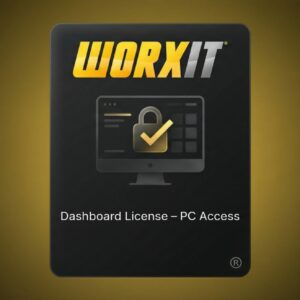
Hardware and licences designed for this solution, available in our online store.


Guides
Which guides go deeper on this?
In-depth operational frameworks, compliance guides, and technology comparisons.
Workflow Automation for Business Operations in South Africa
Automate repetitive business processes, incident escalation trees, and client compliance notifications without code.
Read guideMobile Field Reporting Software for South African Security & Facilities
Connect mobile field data collection directly to back-office approval workflows and automated client PDF summaries.
Read guideSOP Automation: Turning Procedures Into Digital Workflows
Which SOPs to automate first, how to map stages, roles and approvals, and a worked security officer onboarding workflow.
Read guideApproval Workflow Design: Multi-Level Approvals That Do Not Stall
Approval gates, levels of authority, sequential vs parallel approvals, rejection and return, delegation and what an audit trail should record.
Read guideFAQ
What do buyers ask about workflow automation?
Common questions from teams evaluating workflows.
What is workflow automation software?
Workflow automation software runs multi-step business processes the same way every time. Zamatrack's Workflows module in Worxit lets you build templates with sequential stages, each with its own forms, checklists and approvals, then routes each run automatically to the right role.
Can an approver reject a workflow stage?
Yes. Approval gates sit between stages. An approver can reject a stage and return the workflow to an earlier one, and approvals and sign-offs can be captured as digital signatures.
Which processes can be automated?
Common uses are employee and contractor onboarding, multi-step maintenance procedures, procurement and purchase approvals, incident investigations, quality control inspections, and compliance and audit workflows.
How do you find bottlenecks in a workflow?
Workflow analytics track active runs and completion times across all processes and show where work is held up, so you can see which stages or approvals slow a process down.
One platform
Which modules work well alongside it?
Every module shares the same dashboard, users and reports, so you can add more as you grow.
Work Orders
Dispatch and track field service tasks with complete lifecycle management and real-time updates.
Learn moreMaintenance Rounds
Schedule, verify, and report maintenance checks with real-time oversight and proof of work.
Learn moreAsset Management
Register, verify, and track assets across sites with check-in/out, transfers, and GPS proof.
Learn moreReady to see Workflows in action?
Book a 30-minute live demo and see how Worxit fits your sites, teams and reporting.